
아카이브
7/31 유니티 복습 본문
스크립트
using System.Collections;
using System.Collections.Generic;
using UnityEngine;

public class RouletteControler : MonoBehaviour
{
    float rotSpeed = 0; //회전속도
    void Start()
    {

    }

    // Update is called once per frame
    void Update()
    {
        //왼쪽버튼 눌렀다면
        if(Input.GetMouseButtonDown(0))
        {
           this.rotSpeed = 10;
        }

        //회전 속도 만큼 룰렛을 회전시킨다.
        transform.Rotate(0, 0, this.rotSpeed);
    }
}
결과
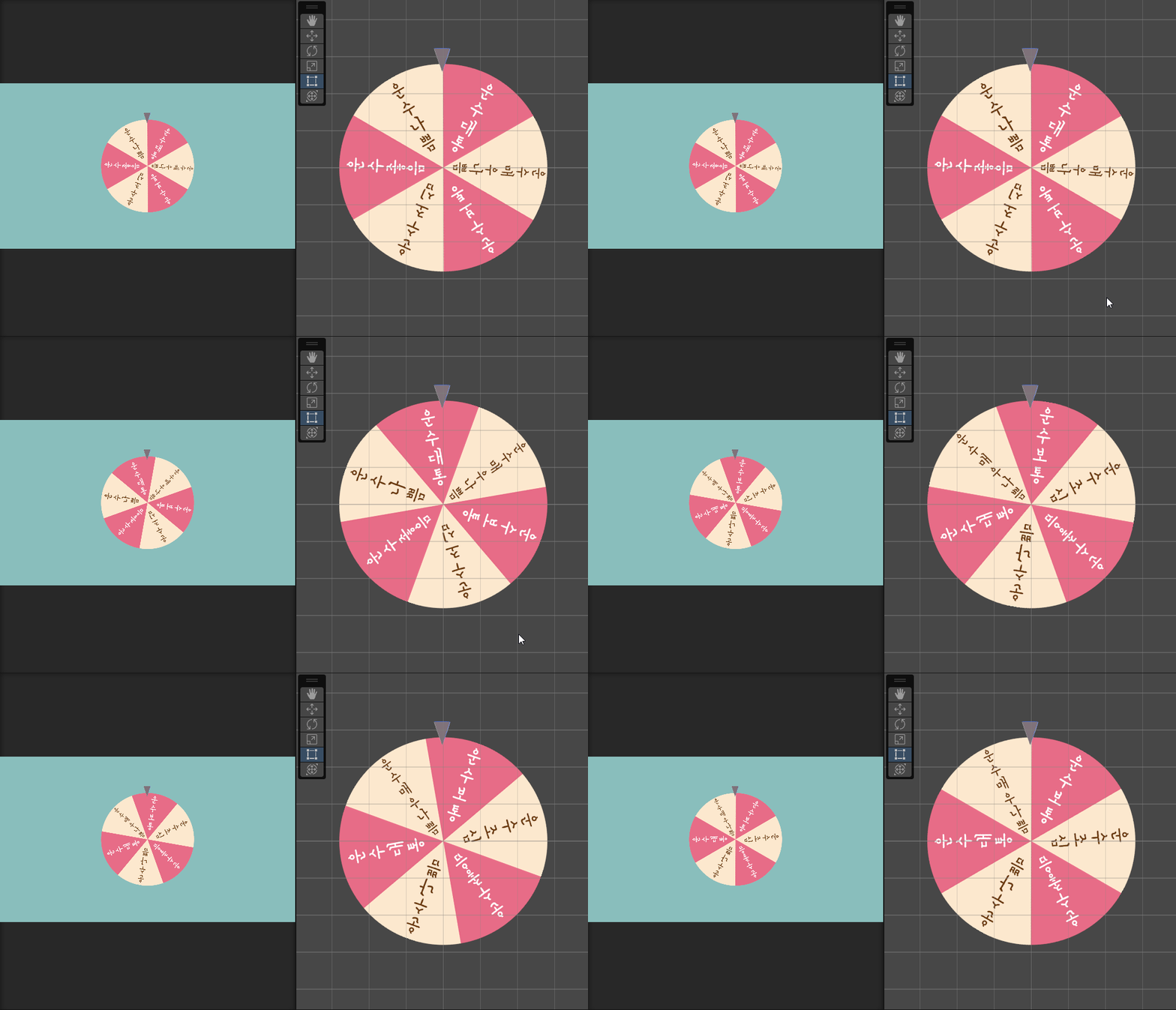
회전속도 줄이기
rotSpeed 값에 감쇠계수 0.96을 곱하면 된다.
using System.Collections;
using System.Collections.Generic;
using UnityEngine;

public class RouletteControler : MonoBehaviour
{
    float rotSpeed = 0; //회전속도
    void Start()
    {

    }

    // Update is called once per frame
    void Update()
    {
        //왼쪽버튼 눌렀다면
        if(Input.GetMouseButtonDown(0))
        {
           this.rotSpeed = 10;
        }

        //회전 속도 만큼 룰렛을 회전시킨다.
        transform.Rotate(0, 0, this.rotSpeed);

        //룰렛 감속
        this.rotSpeed *= 0.96f;
    }
}
결과
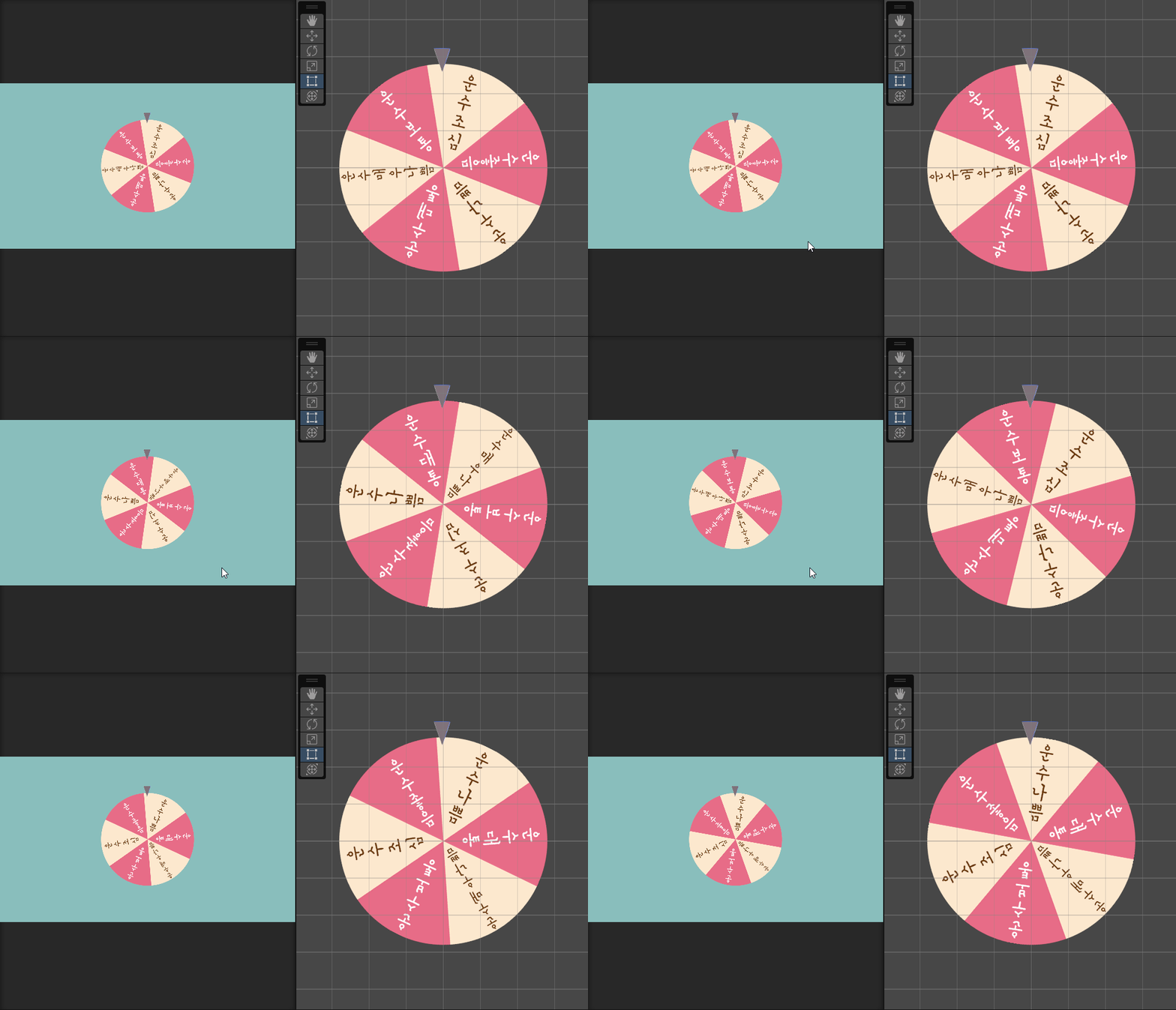
'유니티 기초' 카테고리의 다른 글
| 아이템 착용하기 (0) | 2023.08.11 |
|---|---|
| 클릭한 위치에 몬스터 생성/삭제 (0) | 2023.08.10 |
| 주말과제(Dog Knight) (1) | 2023.08.06 |
| 유니티짱 직선으로 움직이기 (0) | 2023.08.04 |
| 8/1 유니티 복습 (0) | 2023.08.02 |
'유니티 기초' Related Articles
more


